


-
 Gayathri Bollikonda
- PowerBuilder
- Monday, 11 May 2026 12:09 PM UTC
I'm using PowerBuilder 2022 R3 and have a DataWindow that displays icons using the Bitmap() function in a computed column. The icons are 16x16 PNG files with alpha transparency.
Problem:
When a row is selected (blue highlight), PNG icons appear washed out or show a white halo around the edges, making them unclear. However, when I use GIF format icons with indexed transparency, they display perfectly on both normal and selected rows.
PNG Format: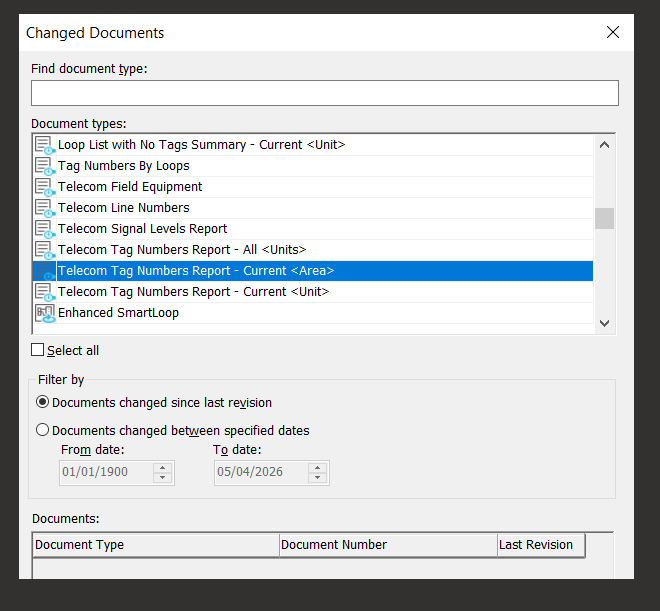
GIF Format:
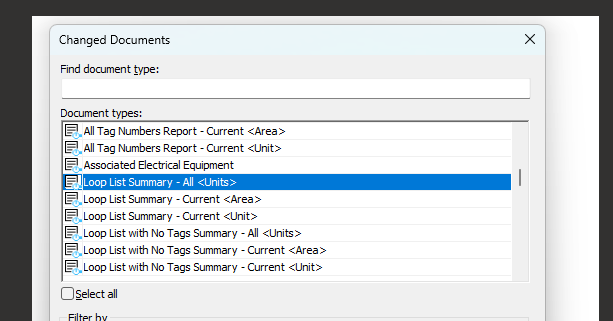
Technical Details:
DataWindow compute column expression: Bitmap(IF(condition, 'path/to/icon.png', ...))
PNG format: 32-bit RGBA with alpha transparency and anti-aliased edges
Column background mode: opaque (mode=1)
Row selection: standard DataWindow SelectRow() with OS blue highlight
What I've Tried:
Changing background.color to use conditional expressions
Setting showbackcoloronxp=yes
Various background.mode settings
Testing with GIF format → works perfectly
Question:
Does PowerBuilder's DataWindow Bitmap() function support PNG alpha-channel transparency? If not, is GIF the only reliable format for transparent icons in DataWindows, or is there a workaround to make PNGs display correctly on selected rows?
Any insights or official documentation on supported image formats and transparency handling in DataWindow Bitmap() would be appreciated.
Find Questions by Tag
Helpful?
If a reply or comment is helpful for you, please don’t hesitate to click the Helpful button. This action is further confirmation of their invaluable contribution to the Appeon Community.