


-
 Umanand PERLA
- PowerBuilder
- Friday, 22 May 2026 06:17 AM UTC
Hi Appeon Team,
I'm using PowerBuilder 2022 R3 3391 Build,
we are following this below approach to parallelly converting multiple PSR files into individual PDFs files(i.e. 100 pdf files created out of 200 psr’s) :
https://community.appeon.com/index.php/qna/q-a/best-approach-for-using-merge-and-save
Problem:
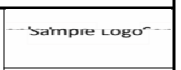
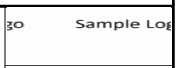
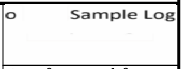
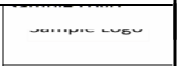
In the PSR files, we have a computed column where we set a .bmp image (logo) by passing its file path as the column expression. However, when we process multiple PSR files (around 20 or more), suppose if we process 100 psr's then around 4 to 5 of the generated PDFs have problems such as
- The image appears broken
- The colors look incorrect
- Sometimes the image is not shown at all
the column we use in the PSR:
"compute(name=logo visible="1" band=detail font.charset="0" font.face="Arial" font.family="2" font.height="-8" font.pitch="2" font.weight="400" background.mode="2" background.color="1073741824" color="33554432" x="2432" y="3488" height="232" width="754" format="[GENERAL]" expression="bitmap(~"D:~\Temp~\logo.bmp~")" alignment="0" border="0" crosstab.repeat=no )"
Please Find below images:
actual bitmap image:

Issue generated images:
Is there a fix or workaround there to prevent bitmap image corruption during batch conversion of PSRs to PDFs?
Find Questions by Tag
Helpful?
If a reply or comment is helpful for you, please don’t hesitate to click the Helpful button. This action is further confirmation of their invaluable contribution to the Appeon Community.